DrapeShift briefing guides
Two guides.
One clear workflow.
Create and approve your reusable brand model first. Then use that model, your garment references and one clear direction to plan each shoot.
Already have an approved model? Go straight to shoot creation.
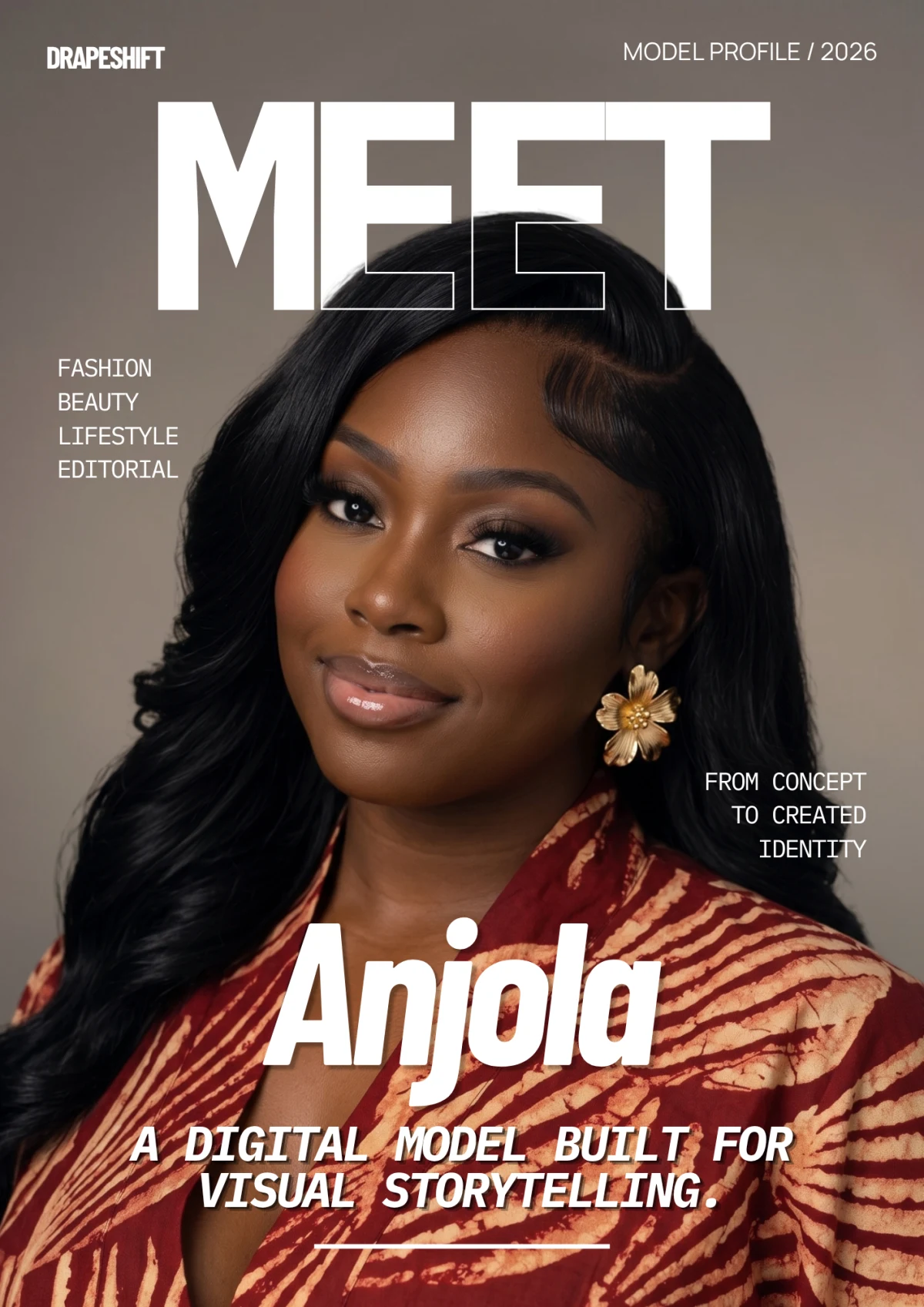
Model creation
Shape the model your brand will keep.
Choose the model type, adult age, cultural appearance, physique, complexion and hair. Add references and review the direction we’ll use to create your reusable model.
- Start with
- Your model choices and optional references
- Leads to
- An approved, reusable brand model
Shoot creation
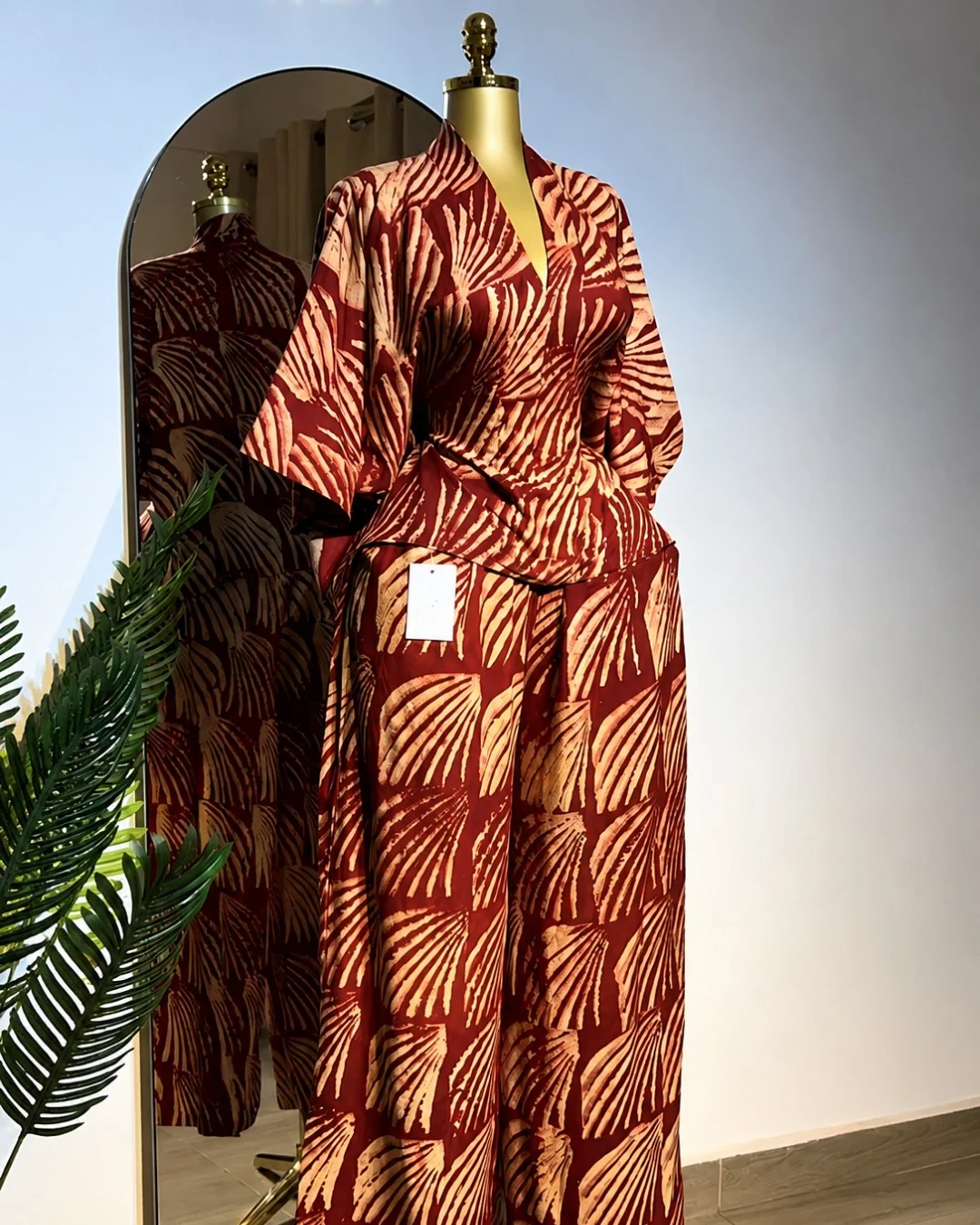
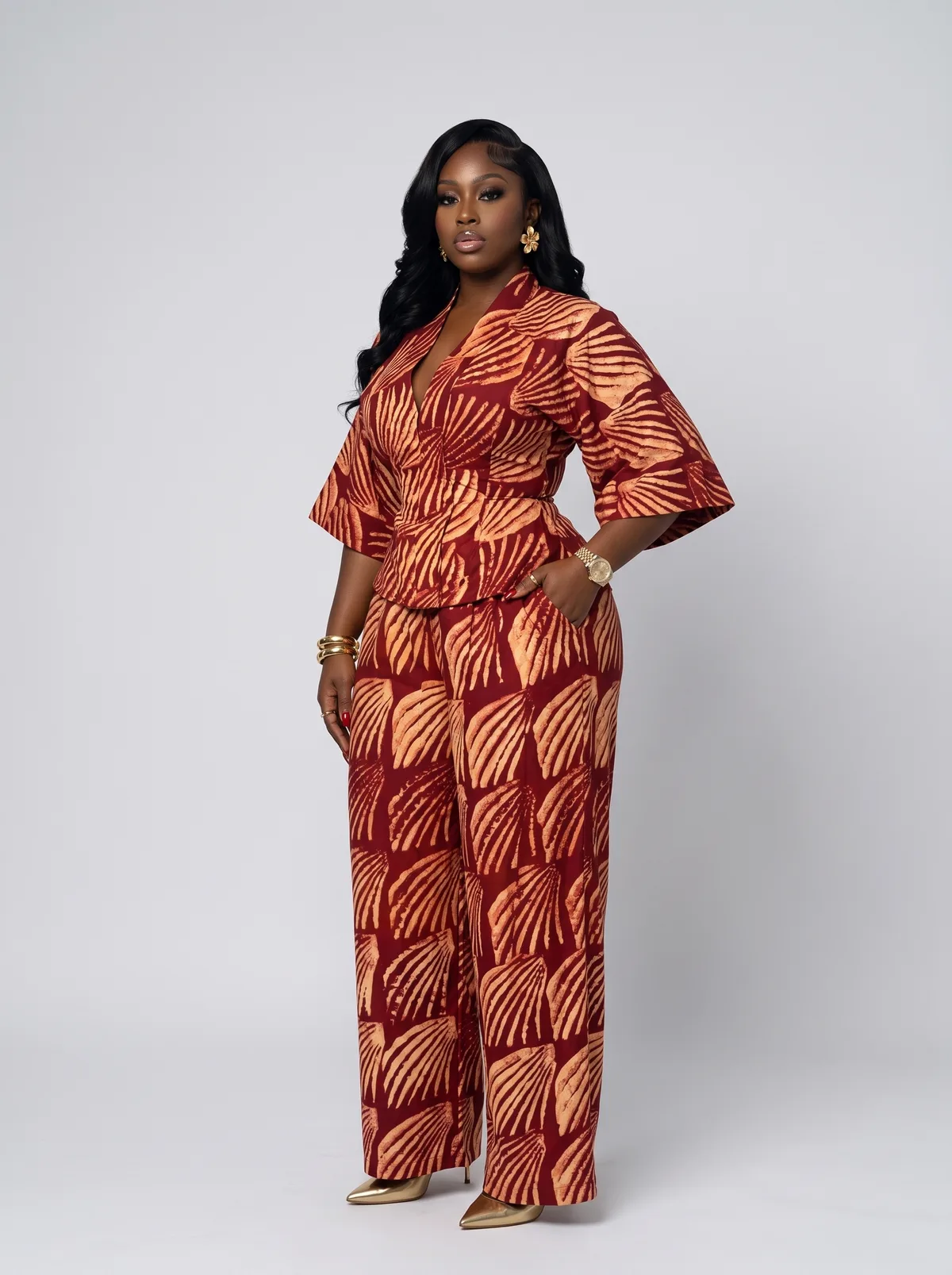
Turn garment references into finished campaign images.
Choose your approved models, add the garments and set one direction for the whole shoot. Plan each finished image before production begins.
- Start with
- An approved model and your garment references
- Leads to
- A directed set of finished shoot images
From first choices to finished campaign
What happens next.
- 01Shape your model
Choose what matters and leave the rest to us.
- 02Approve and name
Approve the reusable model your campaigns will keep.
- 03Direct your shoot
Select the model, upload garments and set the direction.
- 04Confirm production
We confirm readiness before the production clock begins.